
Cart
Materials and equipment for your project
DOMIS DECOR — SPC and WPC wall panels
Climate control equipment and installation

Order Universal timer socket with weekly programmer, LCD display, digital in Valencia at a great price

Buy Universal timer socket with weekly programmer, LCD display, digital at Factory Prices
Order Universal timer socket with weekly programmer, LCD display, digital in Valencia at a great price
from
22.11 €
Ex Tax: 18.28 €
  • Availability: 99
  • Brand: Domis
  • Model: 952732919
  • Weight: 1.00kg
  • JAN: 63960

Before placing an order, contact DOMIS.PRO to confirm delivery availability and arrangements for your chosen product, including the destination, delivery method, cost and timing.

For questions about returns or exchanges, contact DOMIS.PRO. Provide your order number and the product name so we can discuss your situation and the next steps.

Before ordering, check the specifications, dimensions and compatibility of the chosen product with your equipment or project.

If the product page does not provide enough information, ask DOMIS.PRO and include the model or product code. Confirm the supplied components and any specifications that matter to you before placing an order.

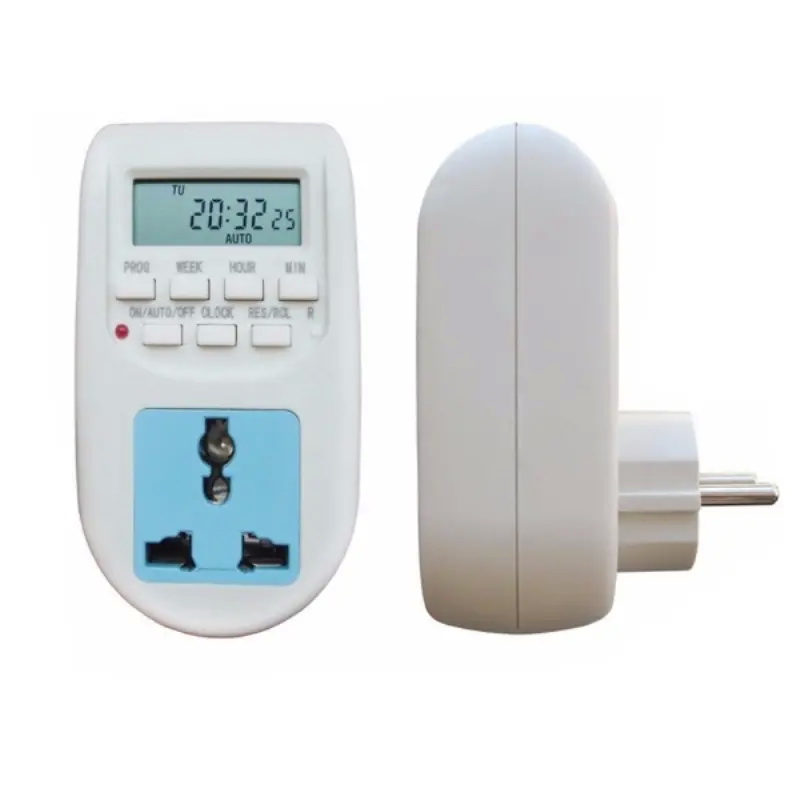
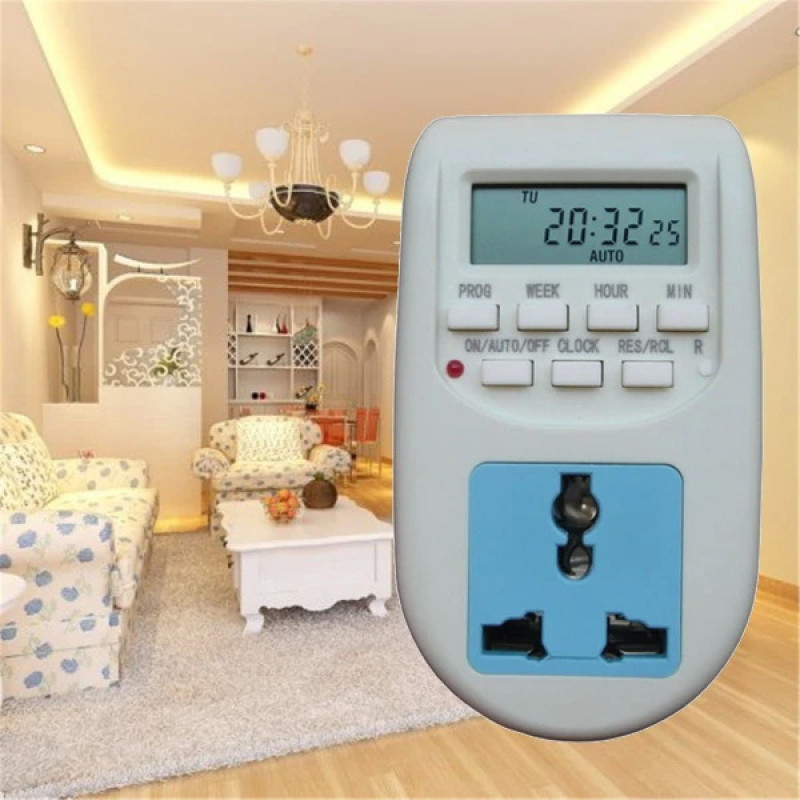
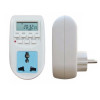
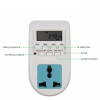
An electronic socket with a timer and a weekly programmer is a modern device, the main task of which is to ensure that any device connected to this outlet turns on and off automatically in programmed mode, i.e. only when you need it.

Such sockets can be used equally effectively in everyday life (for example, for watering lawns, turning on lighting devices, etc.) and in production conditions to turn on lighting, heating, control devices, etc. at a given time. The housing of this outlet is made of high-quality eco-friendly plastic.

This is a daily-type outlet, i.e. you can program the on-off mode of the devices separately for each day. This electronic outlet uses a mini battery, it is able to support the operation of the clock and save the power settings in memory for 100 hours.
And the presence of a universal outlet (connector for connecting devices with Chinese, American, European, Israeli, etc. plugs - which is very convenient when traveling or when purchasing goods outside Ukraine and Europe
Features:

Rated voltage: 220 V AC, 50 Hz

Voltage: 220-240 VAC, 50-60 Hz

Rated power: 2200W

Max. Load: 10A

Plug: EU Plug

The color is white

Material: ABS Housing + RA Connector

Minimum installation time: 1 minute

Maximum installation time: 168 hours

Operating temperature: -10 to + 40 ?

Accuracy: +/- 1 minute per month

Backup battery: Ni-Mh 1.2V 80mAh

Size: (L) X (W) X (H) 6X8X11CM/2.36" X3.15" X 4.33" (Approx.)

Peculiarities:

Easy to install and use.

Compact, streamlined design.

Large buttons for convenient use.

The power indicator of the working light is clear.

Energy-saving electronic timer programming.

There are a total of 16 ON/OFF programs in the timer.

Large LCD screen, more reasonable, more intuitive.

Manual on/auto/off can easily make the necessary settings.

High conductivity copper, nickel plating, rust protection, copper structure optimization, long service life.

Hidden keys can prevent improper operation caused by improper operation, as well as avoid extrusion during transportation.

Multifunctional: Can be applied to water heater, aquarium power supply, outdoor fountain, street lamp control, etc.

There are 15 combinations of days or blocks of days available for the timer.

GETTING STARTED:

1. Connect the timer to a regular 220-240 V electrical outlet and turn on the power.

2. Leave for approx. 12 hours to charge the memory, recharge the batteries.

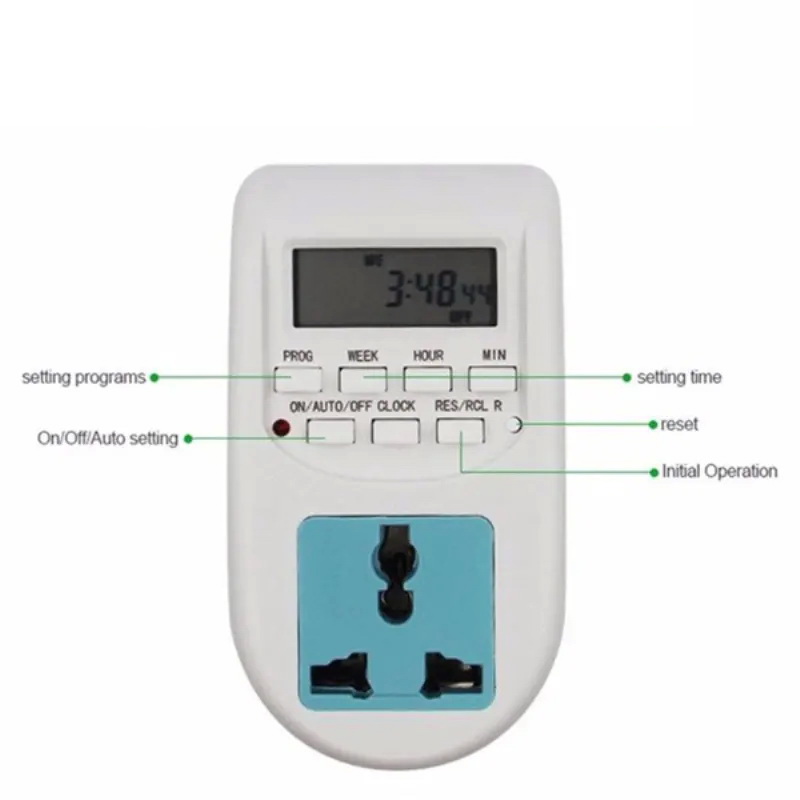
3. After charging, clear all current information by pressing the "R" button with a sharp object, such as a pen or pencil.

4. The timer is now ready to be set up for use.

SETTING THE CURRENT TIME

1. Press and hold the CLOCK button, press the week button at the same time until the actual day is displayed. Continue by pressing the HOUR or MINUTE button until the current hour or minute is displayed. When setting up the week, hour, or minute buttons, you can hold them down for an accelerated forward count.

2. Release both buttons. The week and time will be set.

3. To reset the wrong time, repeat the previous steps.

SETTING UP PROGRAMS

1. Press the PROG button and release. The first setup can be done now.

2. Press the WEEK button to set the day or blocks of days. Set the time by pressing the HOUR button and then the MIN button.

3. Press the PROG button again to complete the first setting and enter the first setting. Repeating 2, make the first shutdown setting.

4. Press the PROG button again to complete the first shutdown setting and enter the 2 on setting. Repeat 2 and 3 to program the remaining settings.

5. After completing the settings. Press the CLOCK button and the timer is ready to work.

Example: The timer is on at 18:15 and the timer is off at 22:15 every day.

A. Press PROG and LCD displays 1 ON.

B.Press A WEEK until the LCD displays "MO, TU, WE, TN, FR, SA, SU"

c.Press the HOUR before 18:00 on the LCD display.

d.Press MIN until 18:15 appears on the LCD

e. Press PROG again and the LCD will display 1 OFF

f. Repeat the above c. and d. until 22:15 on the LCD

g. Press the "RES/RCL" button to stop some programs, press the "RES/RCL" button again to bring up selected programs.

recommendations: When checking your programs, make sure that the settings do not overlap, especially when using the lock option.


MANUAL ON / AUTO / MANUAL SHUTDOWN SETTING

1. Press the ON/AUTO/OFF button to turn the three modes in turn.

2. In ON or OFF mode, the TIMER does not work as settings in AUTO mode.

3. When the mode is switched from ON (or OFF) to AUTO, the timer will keep the ON (or OFF) setting until the next timer setting.

IMPORTANT:

1. DO NOT IMMERSE THE TIMER IN WATER OR OTHER LIQUID.

2. Do not connect the device if the load exceeds 10 amperes.

3. Always make sure that the plug of any appliance is fully plugged into the timer outlet.

4. If cleaning of the timer is required, disconnect it from the mains and wipe the timer with a dry cloth.

5. Heaters and similar appliances should never be left unattended during operation. The manufacturer recommends not to connect such devices to timers.


The package includes:

1 piece Digital Timer (EU Plug)


Specifications
TypePump
ClassLow pressure
Operating pressure, bar0-6

Write a review

Please login or register to review